You can view mapping statistics and view the following information about mapping specifications:
- Total rows
- Number of target tables
- Targets not mapped
- Sources not mapped
- Business rules
- Lookups
To view mapping statistics, follow these steps:
- Go to Application Menu > Data Catalog > Mapping Manager.
- In the Workspace Mappings pane, click the required map.
- click
 .
.
The Mapping Specification grid appears.
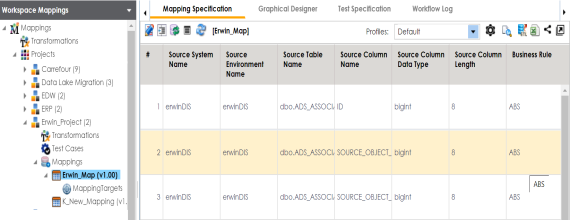
The mapping statistics are shown with hyperlinks.
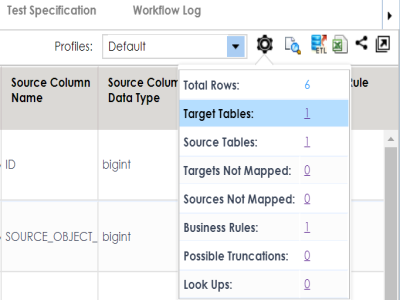
You can click the required hyperlinks to get the detailed information.